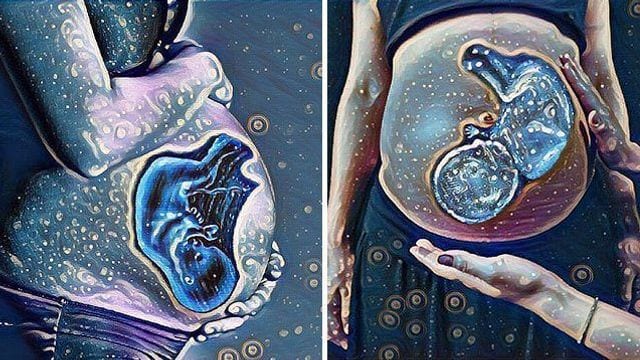
Thanks to smartphones with cameras that can take high-resolution digital photos, documenting your pregnancy has never been easy and super fun, too. Take for example this awesome and surreal photo filter called #BabyinBelly made by the same people behind the #TreeofLife filter for breastfeeding selfies, or "brelfies."
How does it work:
1. Download the PicsArt app (for iOS of Android) and upload your favorite pregnancy photo.
2. Add the latest ultrasound scan of your baby, place it on your belly, and adjust its placement as you see fit.
3. Erase the parts of your baby's sonogram photo that you don't want to include, then click apply.
4. Click on 'Magic' and choose a photo effect your like; highly suggested photo effects are Midnight and Rainbow.
5. Save and share it on PicsArt and your social media accounts. Don't forget to use the hashtag #BabyinBelly.
Here are some samples. Warning: This might encourage you to take more preggy photos! Look:
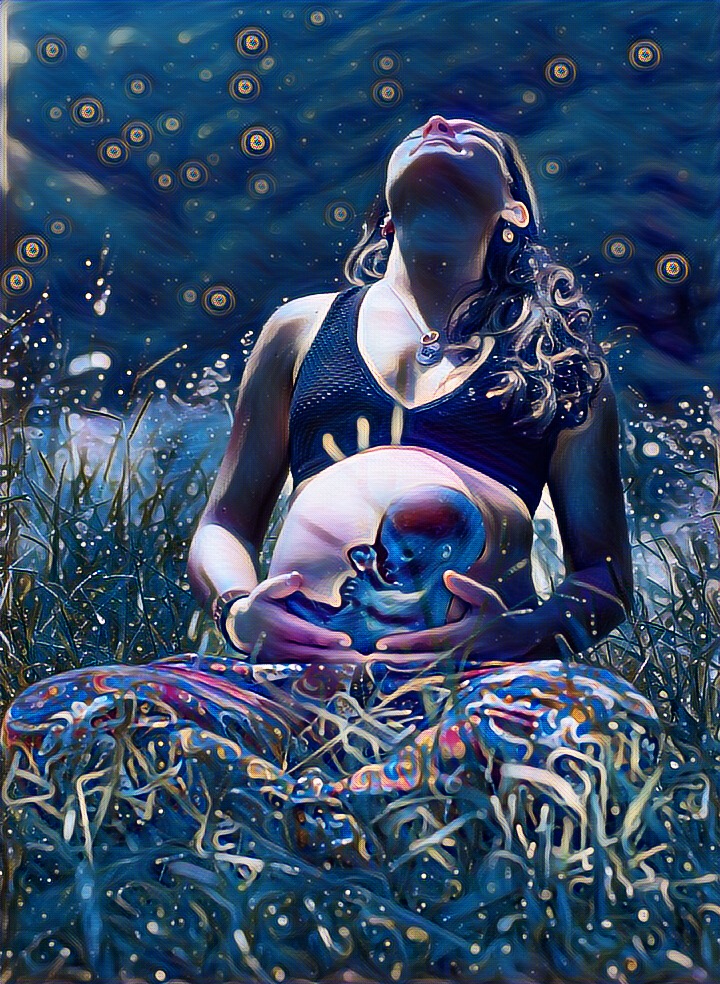 via PicsArt
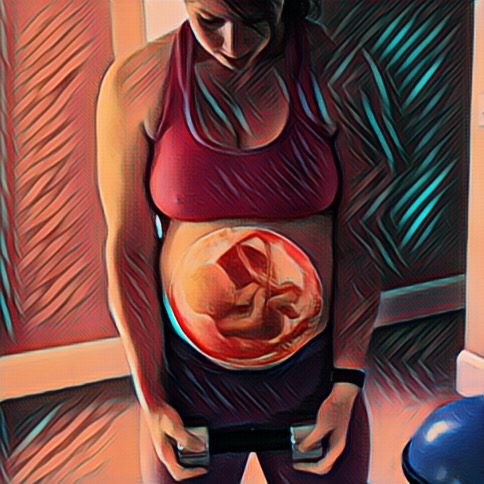 via PicsArt
What other parents are reading
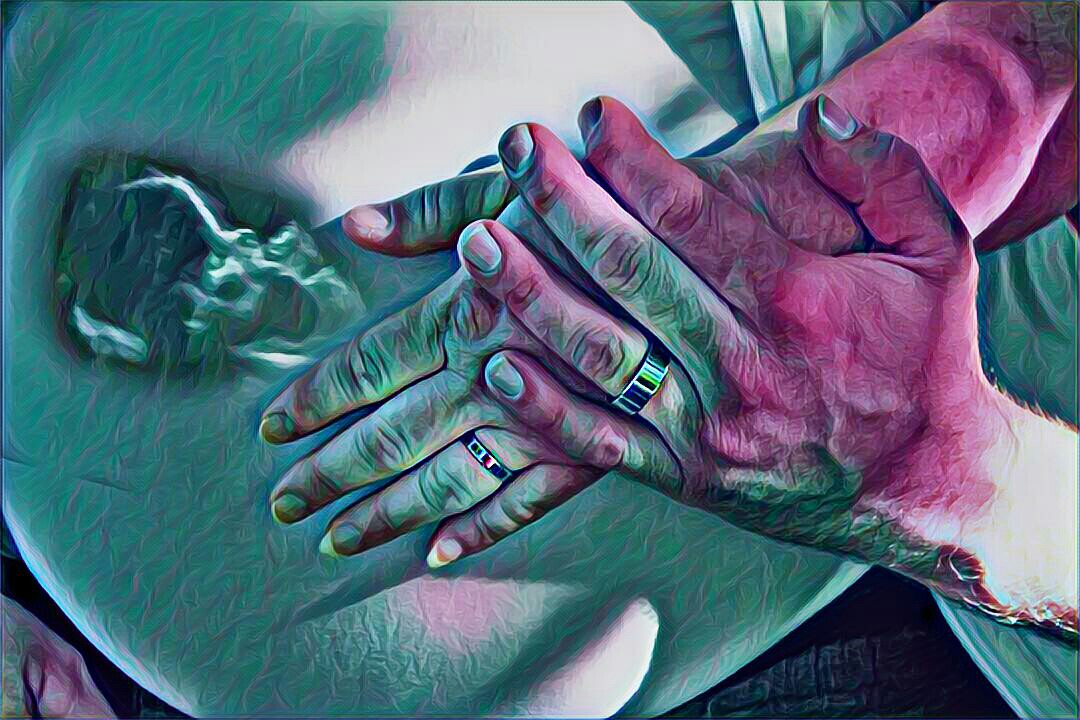 via PicsArt
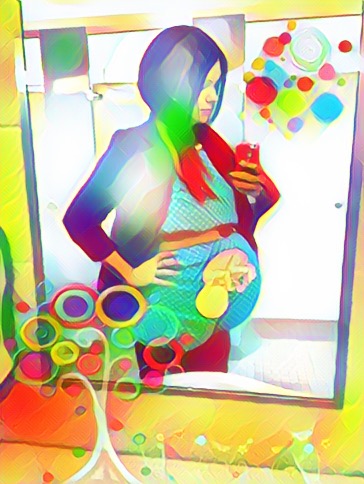 via PicsArt
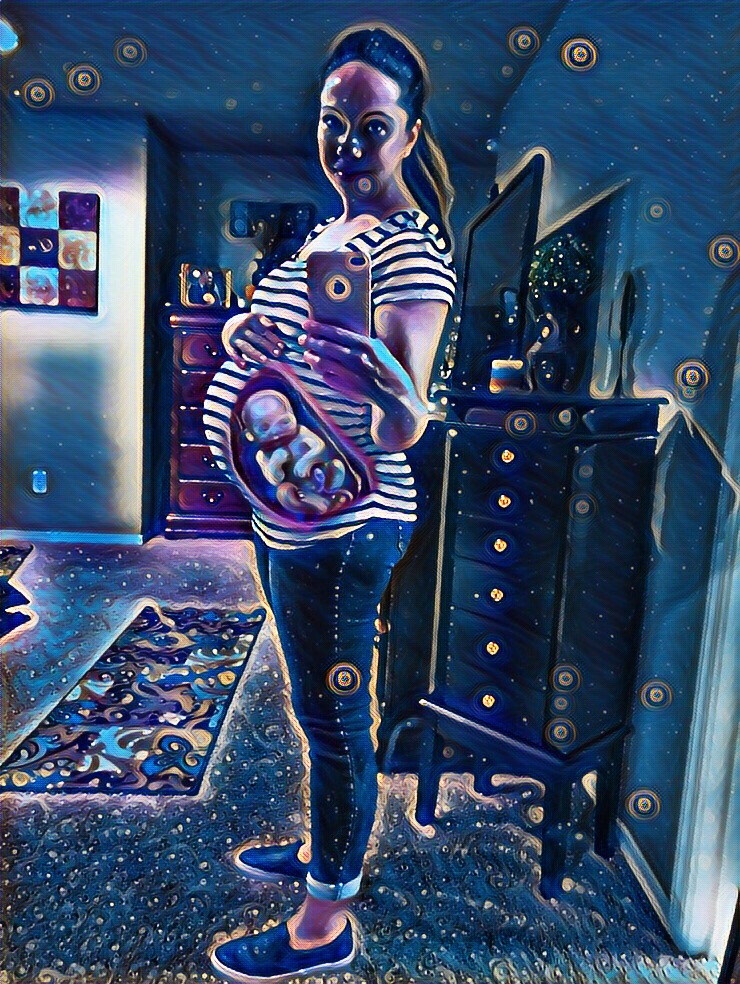 via PicsArt
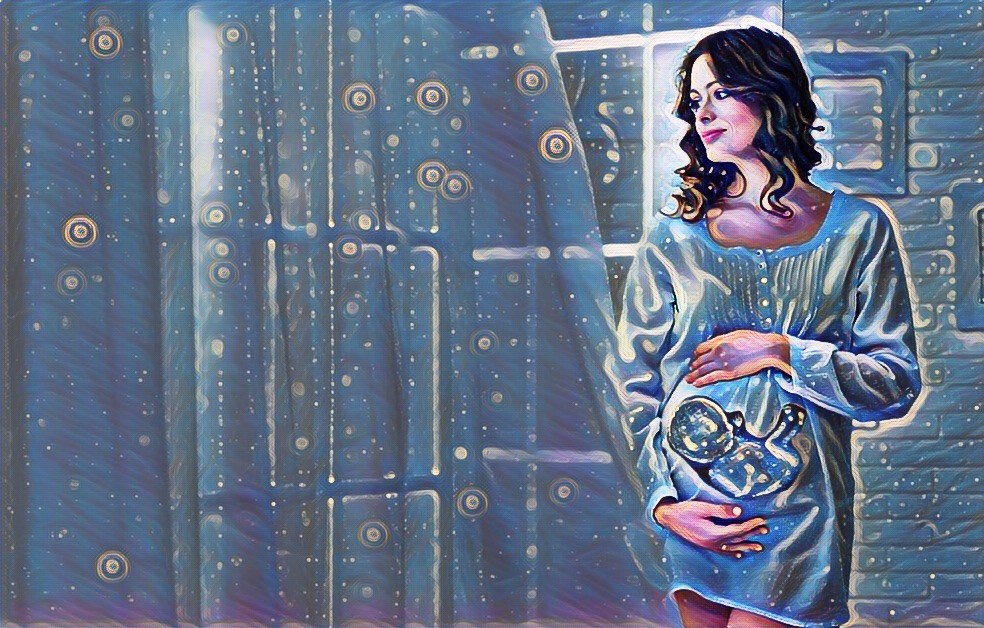 via PicsArt
What other parents are reading
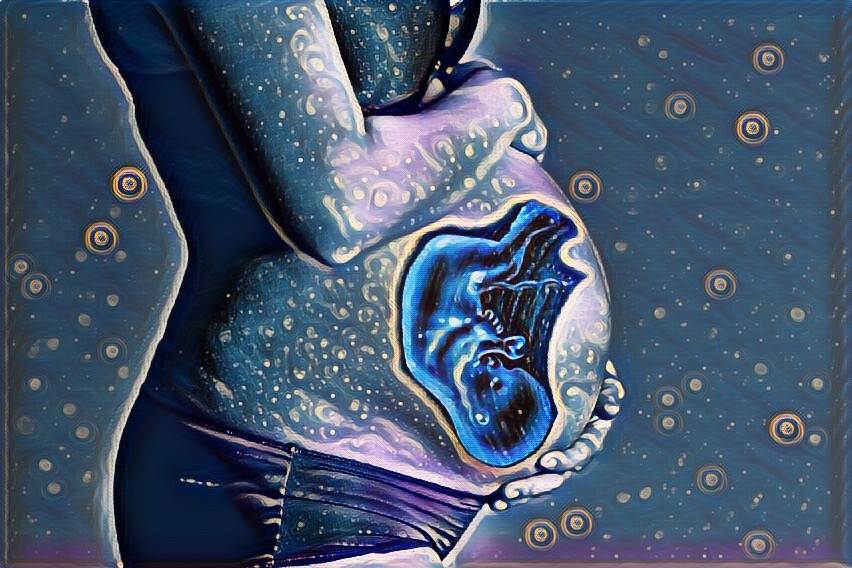 via PicsArt
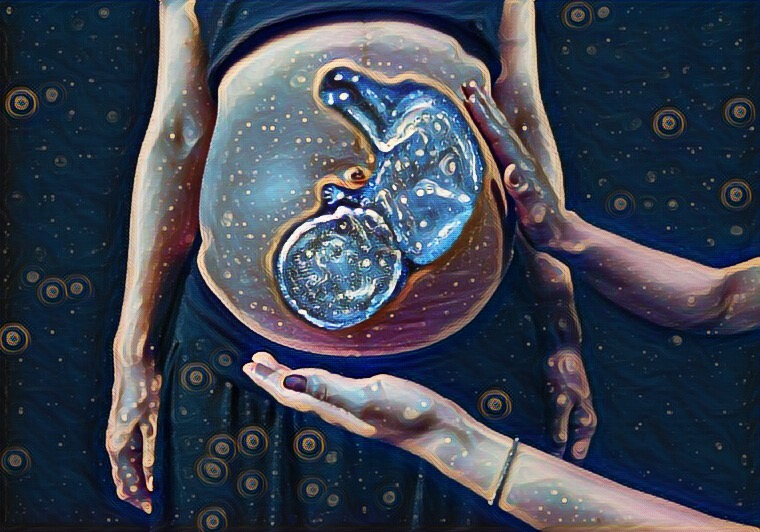 via PicsArt
What are you waiting for? Try it!
[h/t: The Huffingotn Post]
What other parents are reading

Lorem ipsum dolor sit amet, consectetur adipisicing elit, sed do eiusmod
Lorem ipsum dolor sit amet, consectetur adipisicing elit, sed do eiusmod